Tell Bryan what stopped working. Home computer repair is $99 remote or $149 drop-off labor, with parts at cost. Diagnosis is free, and you approve the price before work starts. Yearly support and complete new-computer setup have their own prices below.
Windows, Mac, Linux, phones, tablets, and the devices around them. You do not have to know the cause or choose the service first.
Start with what you see. BrainRoad traces the symptom to the part, setting, account, or connection actually causing it.
Need help at home, beyond the computer?
Get help with in-home Wi-Fi, phones and tablets, smart-home setup, connected devices, and patient instruction. Tell us what you want to work better. On-site visits and device-specific jobs receive a quote that includes the work and any travel before you agree.
Many computers described as “just old” are not finished yet. We check what is slowing startup, remove what should not be running, install updates, and explain whether memory or a new drive would actually help. Replacement is one possible answer, not the automatic one.
Virus, malware & pop-up cleanup
Usually fixed remotely
We remove malware and fake warnings, repair hijacked browsers, and check what happened after a scam. If someone got in or you clicked before you knew, we help lock down the affected accounts and explain what was at risk.
Printer offline, jobs stuck in the queue, a computer that cannot find the printer, or an all-in-one that prints but will not scan. We repair the setup, connection, driver, queue, and scanning-software problems that keep the computer and printer from talking.
The everyday problems that eat an afternoon: “connected, no internet,” one computer that will not reconnect, Wi-Fi dead zones, email that stopped syncing, and a new router that knocked devices offline. The same plain-language check can trace an account or connection problem without making you diagnose it first.
The new computer is here, but your files and familiar setup are still on the old one. BrainRoad moves and checks the files, sets up email and programs, and tests a real print. Full setup and transfer are $199; the old machine stays intact until the move is checked. Need help choosing? Recommendations and ordering are included. Hardware is at cost with receipts, or you can buy anywhere.
Most computer trouble is the small questions between repairs. Home Tech Care puts a named local technician on the other end of them: call as often as you need, one full check-up a year per computer, and 20% off repairs. It can be bought for yourself or for a parent who lives elsewhere in Missouri.
Deleted files, dying drives, and missing folders. Stop using the computer and call before trying anything else. Keep the affected drive off until it can be assessed; further use can overwrite recoverable files.
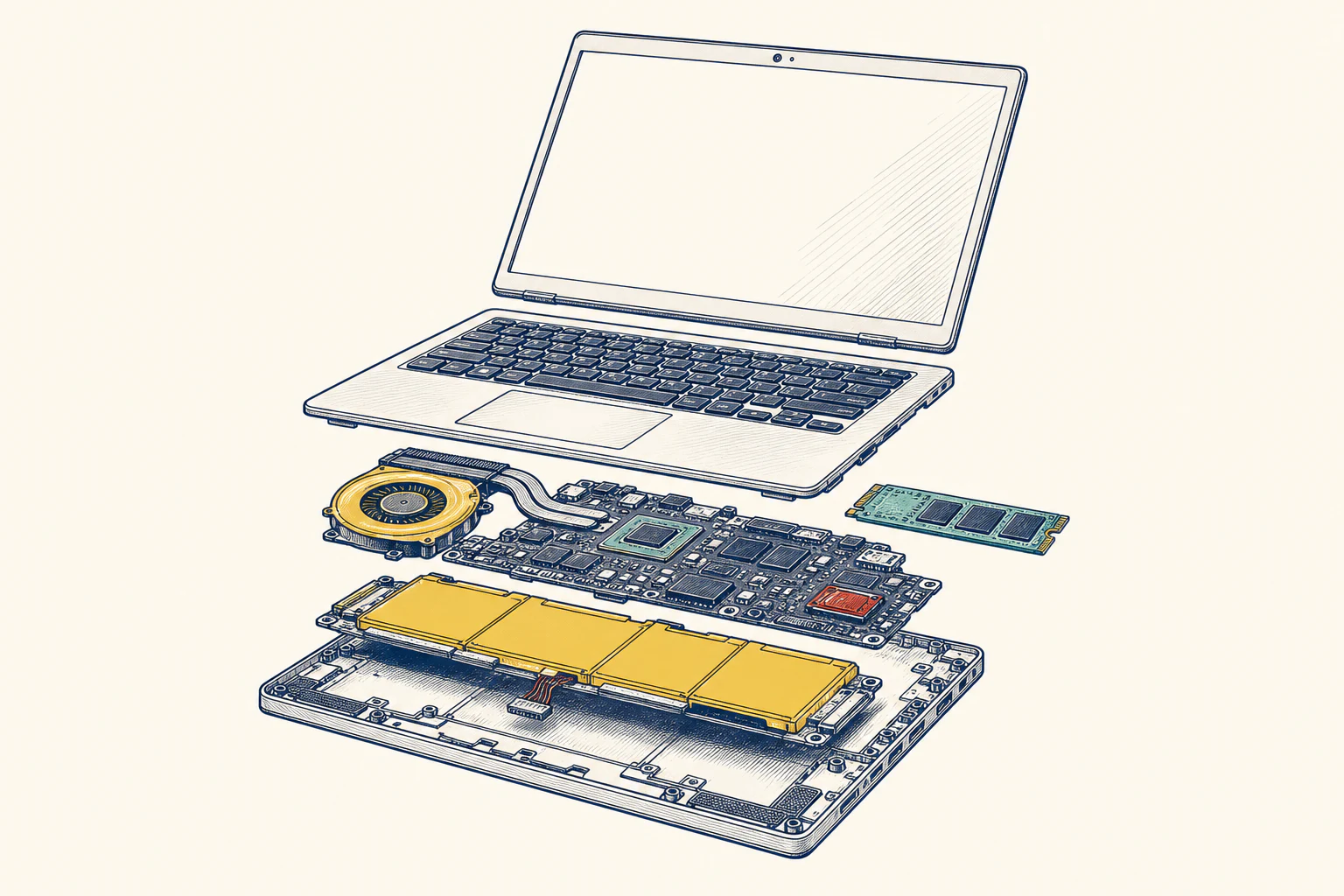
Screen replacements, drive and memory upgrades, overheating laptops, and machines that will not power on. Parts are billed at cost with receipts, and you approve the flat labor price separately.
Give your team a support contact, have the website built and looked after, or get help with paperwork that keeps piling up. One-time jobs and ongoing business support have their own agreed scope and price.