Skip to content
BRAINROAD

New computer? Bring your files with you.

Your photos. Your documents. Your email. And the printer you finally got working. Bryan helps move what matters, set up the programs and accounts you use, and check your everyday routine on the new computer. Keep the old one intact until the move is checked.

Files are checked in their new locations. Programs are installed cleanly. The old computer stays intact until the move is verified.

Full setup and transfer are $199 flat, with choosing and ordering included if wanted. Buy the computer anywhere; hardware is separate and never marked up. Any recovery work or extra equipment is agreed first.

Work with Bryan Leasure. 30 years in IT. Based in Columbia, serving Missouri.
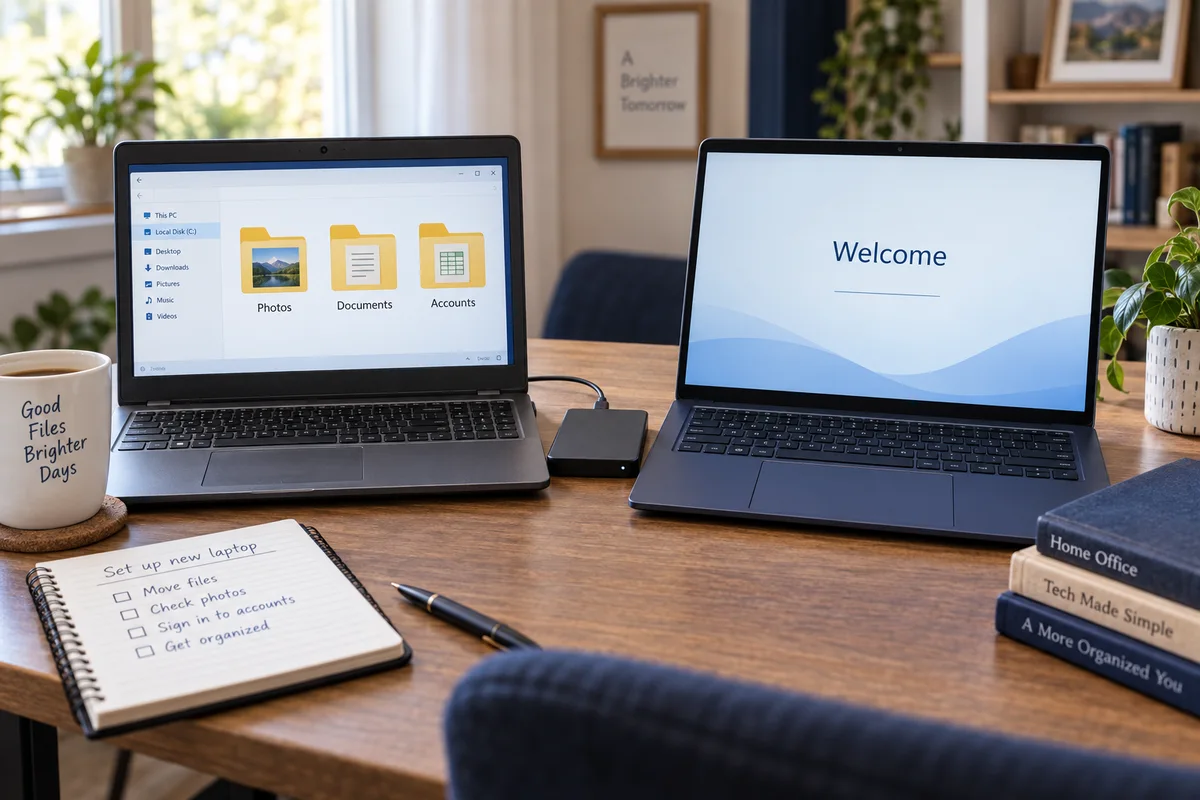
An older laptop with photo folders beside a new laptop and an external drive.
The new computer is here. The files and everyday tasks still need to move with you.

What is still on the old computer?

Tell Bryan what you use the computer for. He helps identify the files, programs, email, and printer that need to work on the new one. No inventory or technical specifications needed before you call.

You do not know which one to buy
Several computers look suitable, but the prices and specifications differ. Explain what you use yours for and the budget you want to stay within.
Everything is on the old computer
Documents, photos, bookmarks, email, and years of familiar folders need to move without losing track of them.
Programs do not simply copy over
The new computer needs compatible applications, account sign-ins, licenses, and settings—not a blind copy of the old system. We can plan a move between Windows, Mac, and Linux too.
The new machine is full of prompts
Microsoft accounts, cloud backup, trial software, privacy choices, updates, and manufacturer offers make the first start confusing.
Printers and email must still work
A setup is not finished when the desktop appears. The everyday devices and accounts need to be tested on the new machine.
Several people used the old PC
Separate family files, work documents, browser profiles, and game data need a plan before everything gets mixed together.

Set it up around the things you do every day.

A clean move preserves the things you recognize while avoiding broken drivers, factory clutter, and assumptions about where important files live.

  1. CHECK 1

    Choose the right machine

    We recommend two or three specific computers for your budget and what you actually do. If you want, we order it for you at cost and show you the receipt—BrainRoad never marks up hardware. You are free to buy it anywhere instead, and setup still works the same way. Choosing, ordering, full setup, and transfer together are $199 flat.

  2. CHECK 2

    Inventory what matters

    We identify the files, programs, accounts, bookmarks, printers, and special settings that need to survive the move.

  3. CHECK 3

    Set up the new computer cleanly

    Updates, privacy choices, accounts, backups, and unnecessary factory software are handled before the new machine becomes daily equipment.

  4. CHECK 4

    Move files with a record

    Files are copied from the old computer or backup and checked in their new locations instead of assuming one “transfer everything” button caught it all.

  5. CHECK 5

    Test the real routine

    Email opens, browsers have the right bookmarks, printers respond, and the important programs are launched before the old computer is retired.

Nothing gets erased until the move is checked.

The old computer stays intact while important files and everyday tasks are tested on the new one. Programs that need a license, fresh installation, or replacement are identified during the move.

Still deciding what computer to buy? Get free buying advice first

Problems we can help with

  • Documents, photos, and personal folders
  • Browser bookmarks and account setup
  • Email, printer, and scanner setup
  • Windows, Mac, and Linux setup and updates
  • Backup setup and old-computer wipe planning

When the plan changes

  • Programs need licenses or owner sign-ins
  • Some old programs will not run on a new system
  • A failing old drive may become a recovery job
  • Very large transfers may need hands-on time
  • Passwords cannot be invented or bypassed

Start with what stopped working.

Tell Bryan what you were trying to do, what happened instead, and what you already tried. The first conversation is free. He will explain the next step and whether the work needs remote access or a visit.

Before paid work begins, you know what is being attempted and the price. You approve the work and any required access.

Questions before you call

What if I only need one thing fixed on the new computer?
A specific repair, such as email or printer trouble, can use the standard $99 remote or $149 drop-off repair price when it fits. The complete setup and transfer service is $199. We explain which work you need before you approve it.
Can you make the new computer exactly like the old one?
The familiar files, bookmarks, email, printers, and many settings can move. Programs usually need to be installed again, and old hardware-specific settings should not be copied blindly because they can carry old problems into the new machine.
Do I need an external drive?
It depends on how much data is moving and whether a usable backup already exists. If storage is needed, BrainRoad explains the size and cost before anything is purchased.
Do you sell computers?
BrainRoad can choose the machine and order it for you at cost with the receipt, or you can buy it anywhere you like. The advice and setup are the same either way, and hardware is never marked up. Choosing, ordering, full setup, and transfer together are $199 flat.
Can setup be done remotely?
Yes, when both computers are working and online. The complete new-computer service is $199, including setup and transfer. We agree on remote or hands-on arrangements first. A failing old drive may need separately quoted recovery before files can move.
Will my programs transfer too?
Most installed programs cannot be copied like documents. They are installed fresh, then activated with the owner’s license or account. Old or incompatible programs may need an alternative.
When can I erase or recycle the old computer?
Wait until the important files, programs, email, printer, and backup have been checked on the new machine. BrainRoad can then help wipe the old computer before it leaves your control.

Keep the new computer. Leave the setup headache.

Tell Bryan what needs moving. Complete setup and transfer are $199. We agree on remote or hands-on arrangements and any separately quoted recovery before paid work begins.